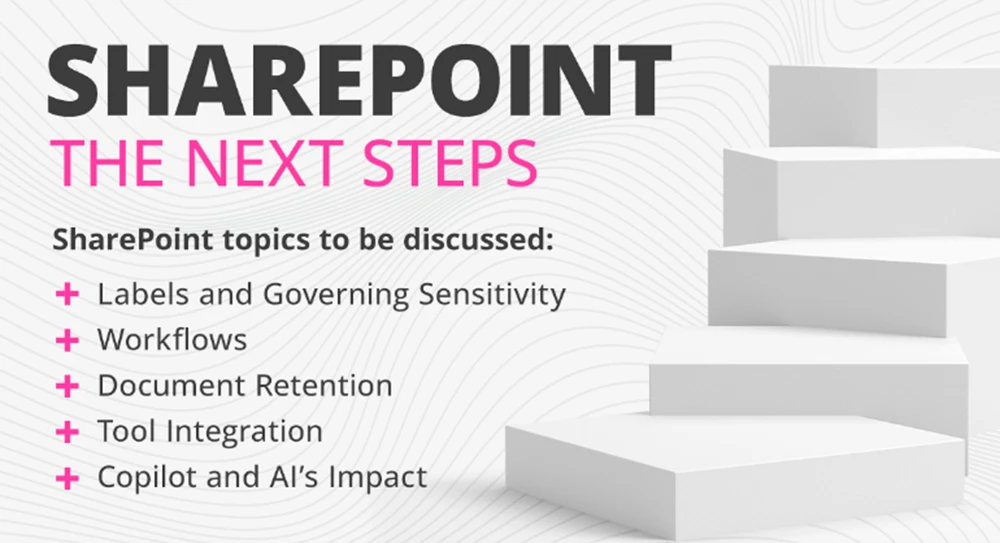
Discover what’s new in SharePoint’s Lists, Libraries, and Pages — and how the latest updates can help your organization streamline work, improve collaboration, and communicate more effectively across Microsoft 365. Join us for a fast-paced look at the newest features shaping the future of SharePoint.
In this executive-focused webinar, we’ll demystify SharePoint and show how, when fully leveraged alongside Microsoft 365, it becomes a powerful platform for collaboration, automation, and strategic growth.
While working with our clients, we entertain a lot of questions that start with "I have a manual process..." Or "Can SharePoint automate my..." The majority of the time our answer is yes. Even though we will be the first to say that SharePoint isn't for everything, we rarely run into a scenario that SharePoint and Power Automate together can't handle.
In our daily interactions with our clients, we see two approaches to Copilot taking place. The first is where a company is so excited about Copilot and AI that they just turn it on, put out a simple policy, and start using it. The second is where a company does not want to turn it on because they can't wrap their heads around what Copilot might expose to users and what information (data) Copilot may create, correct or incorrect. Both views have sparked this webinar, where we try to answer the question "When should I turn on Copilot?"
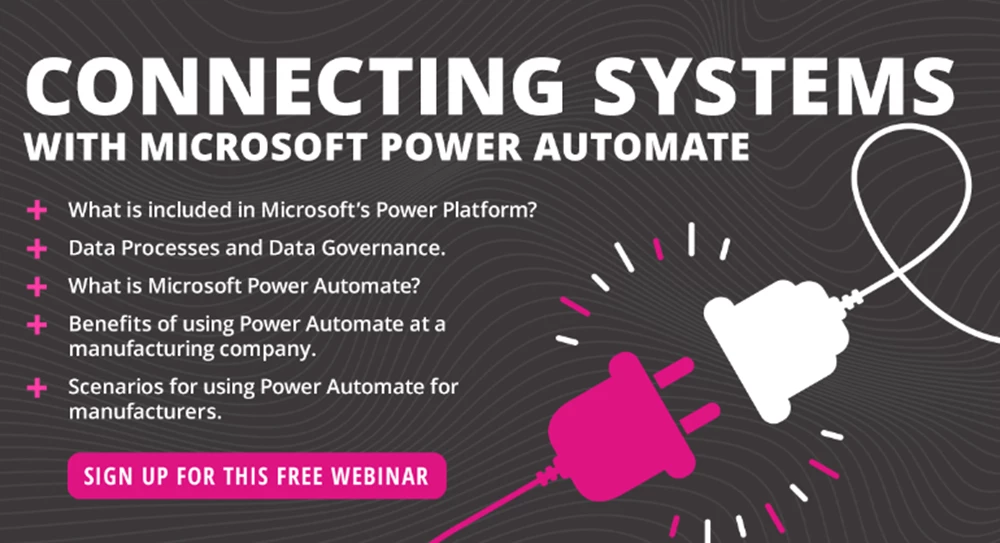
Join us for the next exciting segment of our webinar series, where we dive into the incredible tools within the Power Platform. This episode will take you beyond Power Apps and introduce you to the powerful capabilities of Power Automate. Discover how Power Automate seamlessly integrates with Power Apps and explore various scenarios where it plays a crucial role in streamlining your company's processes.
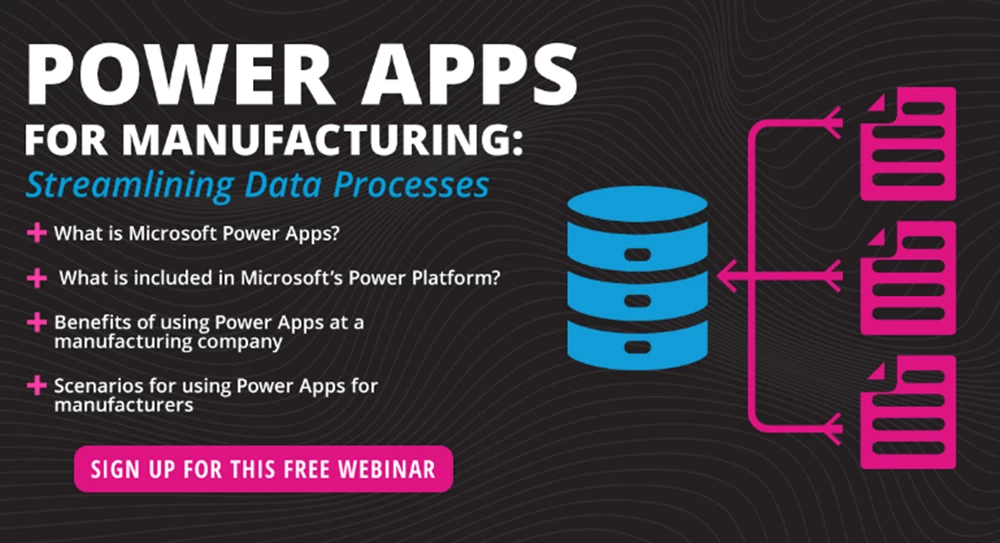
If you're like most manufacturers, you have a wealth of data across your organization, but turning it into actionable insights can feel like chasing a moving target. Without proper integration, your systems might as well be speaking different languages. Join us for this dynamic webinar where we’ll share practical first steps and real-life examples of how you can put your data to work with Power Apps, Power Automate and other tools in Microsoft’s Power Platform. Let’s take that giant step forward together.
In our "Microsoft Teams and SharePoint: When should they work together?" webinar, we had so much great participation from attendees! We gathered any questions we weren't able to tackle before we had to wrap up the webinar session, and we recorded a Q&A session to share those answers with you.
Our team often gets asked questions about when to use SharePoint and when to use Microsoft Teams. The questions are easy to answer and also hard to answer because of the nature of the two tools, the overlapping functionality, the culture of an organization, and what the established Governance for the environment is. In this webinar, we will address these questions and discuss the advantages and disadvantage or specific MS Teams and SharePoint scenarios.
If you have been using SharePoint for a while and you are just using it to manage documents, you may be interested to know that there is so much more you can do. For example, automating processes or improving the searchability of your documents.
In our "Piloting Microsoft CoPilot AI" webinar, we had so much information to share that we didn't have time for our Q&A session. You know we love sharing and teaching, so we gathered all of the questions asked during the webinar and recorded the answers. Consider this a virtual Q&A session!
Is your organization using Microsoft 365 or SharePoint, but wondering how Power Apps and Power Automate fit into the picture? If so, join us as we highlight these incredible Microsoft 365 tools.
In our "Copilot AI and Data Governance: Are you ready?" webinar, we got a LOT of great questions from the audience. In fact, it was so many great questions we ran out of time before we could tackle them all. But we love when you ask questions and we wanted to make sure to get answers into your hands. Check out our follow up!
In this webinar, we will discuss how specific best practices around data governance and the richness of your documents and their metadata, can help or hurt your companies AI integration. We will share how specific best practices around the storage, security, and classification of your data can help make the integration of AI smoother for you.
Where would we be without AI in today’s world? At the pace AI is growing, it seems like this statement will be a common phrase by next year this time. Day by day the usage of AI continues to expand and the number of scenarios we hear about from our clients continues to amaze us.
Is your organization using Office 365 or SharePoint and toying with the idea of using Power Automate? If so, you will want to join us for this Powerful webinar!
With more companies than ever adopting Office 365, Microsoft Teams, and SharePoint, we see more and more requests for help getting this ecosystem under control every week.
With the information you receive from this webinar, your organization will be able to make a more informed decision on the direction they would like to go concerning end-user reporting.
In this webinar we will discuss some basic on-boarding best practices, and show you how SharePoint, Teams, and Power Automate can help make this process smooth and intuitive for you, and your new employees.
In this webinar, we will discuss critical initial steps that will help you improve productivity, increase your return of investment, and set the environment up for success.
If you are new to reporting, we’ll give you a good look at how easy it is to get started. And if you are familiar with reporting with other tools, we’ll even discuss what it takes to move from commonly used reporting tools, like Tableau, into Power BI.
Financial service organizations need a highly secure, reliable and modern IT solution to remain competitive and agile. Microsoft Office 365 offers dozens of powerful solutions and can be fully customizable to your business. In this webinar, you will learn how Microsoft Office 365 is specifically benefiting Financial Institutions of all sizes and complexities.
In this webinar, we'll expand your mind on the possibilities for your Intranet Portal with SharePoint, even if your users are mobile or working from home.
Presented in conjunction with FuseDSM, it is time to get on board with Microsoft Office 365 and SharePoint! SharePoint empowers teamwork with dynamic and productive team sites for every project team, department and division - wherever they are located.
Has COVID-19 forced you to scramble to get your business setup for employees to work remotely? If you have O365 you have most of the tools for a smooth transition. In this webinar, we will show you how SharePoint, MS Teams and other Microsoft 365 tools can help your workforce be efficient and secure while remote.
Today's healthcare teams are tracking a lot of information. It is time to move from Excel or Word files to SharePoint Lists & Libraries, Microsoft Flow, Microsoft Planner and other Microsoft 365 tools and technology.
Understanding Microsoft's Roadmap for SharePoint can be an essential part of your organization's Governance. In this webinar, we will discuss announcements made at SPC2019 and Ignite conferences.
Time for an InfoPath overview along with tips on upgrading an InfoPath List, upgrading InfoPath Forms Library and migrating InfoPath data using Fusion.
Power BI is the tool of choice in Office 365 for easily creating and deploying beautiful reports and dashboards. We will explore how to easily get up and running!
Microsoft is pushing harder every day to get organizations to switch from Classic SharePoint to the Modern UI in SharePoint Online. If you've been holding out, Modern UI is ready!